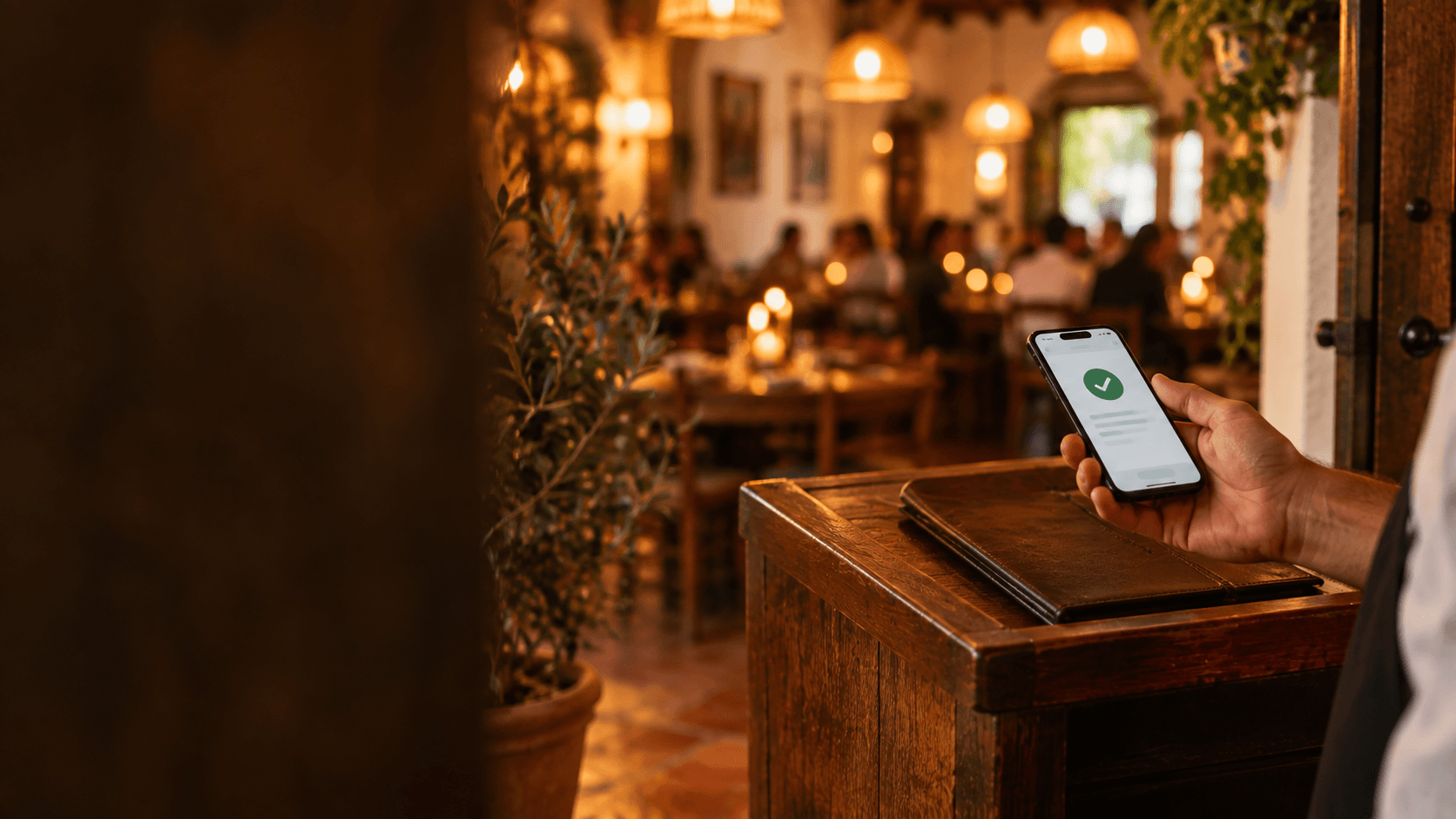
You book a table for six on Saturday, prep the food, adjust the floor staff rota… and by 9.30pm the table is still empty. No call, no warning. That's a no-show, and anyone who manages bookings has been through it. The good news is that it isn't inevitable: a handful of clear rules plus a bit of automation can cut it dramatically. Here's a practical, no-nonsense guide.
Why no-shows hurt a restaurant so much
A no-show isn't just "one table down". It's a table you held back, probably turning away other customers in the process. It's food you bought counting on those diners. And it's staff you scheduled for a forecast that didn't play out. In a 40-cover venue, two tables of four that never turn up on a Friday is 20% of the service gone.
In numbers: according to TheFork data reported by Restauración News (March 2026), the average no-show rate at restaurants in Spain was 3.3% in 2025, down from 3.6% in 2024. It sounds small, but it concentrates on the days that matter most to you: weekends and special dates. And each table that doesn't show up represents around €78.30 in lost potential revenue, according to an estimate published by ESdiario (July 2026).
The interesting part is that the trend is falling, and not by chance: more and more restaurants are putting measures in place. Let's go through them from least to most demanding.
Confirmation policy: ask for a phone number and confirm the booking
The first step is the cheapest: don't accept bookings without contact details. Name, phone number and, if they book online, email. It sounds obvious, but plenty of bars still jot down "Sarah, 4 people, 9pm" in a notebook with no way of reaching Sarah.
The second step is to make the conditions visible at the time of booking: how long you'll hold the table (say, 15 minutes), from what party size you ask for confirmation or a deposit, and how to cancel. No legal text needed; a clear line does the job: "We hold the table for 15 minutes. If you can't make it, cancel using the link in your booking confirmation and we'll free it up for someone else."
Third, for group bookings or busy dates, ask for a reconfirmation the day before. It works: a CoverManager study of 9,500 Spanish restaurants on Father's Day 2025, reported by Infohoreca (July 2026), recorded a 1.92% no-show rate for bookings with no protection at all, versus 1.52% when a prior reconfirmation was applied. A simple "are we still on for tonight?" already trims the figure down.
Deposits: when it's worth charging one
Asking for money upfront makes many owners nervous: "I'll scare customers off." But the practice is spreading. According to Infobae (March 2026), more than 20% of restaurants in Spain already ask for bank details as a preventive measure against ghost bookings.
You don't need to ask everyone for a deposit. It makes sense in these cases:
- Large groups: from 8 or 10 people upwards, an empty table throws the whole service off.
- Special dates: New Year's Eve, Valentine's Day, Mother's Day, December work Christmas lunches.
- Set or tasting menus: when you're buying and prepping for an exact number of diners.
- Full venue or private room bookings.
How you communicate it is what matters. Present the deposit as an advance payment deducted from the bill, not a penalty: "For groups over 8, we ask for €10 per person upfront, deducted from your final bill. If you cancel 48 hours in advance, we'll refund it." Put that way, serious customers won't mind; the ones who were only booking "just in case" tend to drop out on their own, which is exactly what you want.
To charge it online you'll need a payment gateway (Stripe, Redsys and similar) connected to your booking system, or a payment link sent manually. What matters is that the money goes straight to the business account and the customer receives a receipt.
Automatic reminders: the most cost-effective step against no-shows
Many no-shows aren't in bad faith: they're forgotten bookings, or plans that changed and nobody thought to cancel. That's why a reminder the day before is probably the best effort-to-result measure you can take. And it has one trick: it needs an easy way to cancel in one click. If cancelling means calling during service hours, plenty of people simply won't bother and will just not show up.
A good reminder has three things: the booking details (day, time, party size), a link or button to cancel or change it, and a friendly line noting that freeing the table helps other customers. Nothing more. Send it the evening or night before, when people are reviewing their plans.
If your booking system sends it automatically, all the better: a reminder that depends on someone remembering to send it tends not to go out on the busiest days—which are exactly the ones that matter.
Managing capacity and time slots to minimise the impact
Even if you do everything right, you'll still get the occasional no-show. The difference between a minor annoyance and a disaster lies in how your schedule is organised.
Work in time slots. Instead of accepting dinner bookings at any hour, set two or three seatings (say, 8.30pm and 10.15pm). That way, if a table from the first seating doesn't show, you have room to seat a walk-in or bring forward someone from the second seating.
Cap capacity per slot, not just overall. If you seat 40 people, don't accept 40 bookings for 9pm: leave a 10-15% buffer for walk-ins and reshuffling. That buffer turns a no-show into an opportunity rather than a hole.
Set a maximum party size for online bookings. Groups of 12 are better handled by phone, with a deposit and an agreed menu. Your website can accept up to 6 or 8 and direct larger groups to call.
Modern online booking tools let you configure all of this: opening hours per service, time slots, available seats per hour and maximum party size per booking, so customers only ever see the slots where there's genuinely room.
What to do once the no-show has already happened
Once the 15-minute grace period is up, call. A good proportion of "no-shows" are just running late, and a call tells you whether to wait or free the table. If there's no answer, free it up and move on.
Keep a waiting list on busy days: when you say "sorry, we're fully booked", take a phone number and offer to call if something frees up. It takes ten seconds and turns every no-show into a recovered table.
Note what happened in the customer's history, without making a drama of it. If someone fails to show twice without warning, next time you ask for a deposit; you don't need blacklists or reproachful messages. And if a regular misses once, a message the next day along the lines of "we missed you yesterday, is everything OK?" tends to work better than any penalty.
Frequently asked questions
Is it legal or advisable to charge a deposit for a restaurant booking?
It's a widespread and increasingly common practice in Spain, but the conditions (amount, cancellation deadlines, refunds) must be made clear to the customer before they book. If in doubt, check with your advisor or your local hospitality association on how to word them.
How do you write a reminder message that doesn't feel intrusive?
Short, with the booking details and a link to cancel or change it. Something like: "Hi Sarah, just a reminder of your table for 4 tomorrow at 9pm. If you can't make it, cancel here and we'll free it up for someone else. See you soon!" No threats, no small print.
What group size or type of booking justifies asking for a deposit?
A common threshold is from 8 people upwards, on special dates, or when there's a set menu involved. For tables of 2 to 4 on a normal day, contact details and a reminder are enough. Adjust the threshold to whatever loss would hurt you most.
How do you stop a confirmation policy from complicating bookings for regulars?
Apply the deposit only where it's needed (groups and busy dates) and keep everything else smooth: instant confirmation and an automatic reminder. A regular booking a table for two shouldn't notice any change at all.
One option to get it up and running
If you're still managing bookings by phone and notebook, switching to an online diary that confirms instantly, sends a next-day reminder with a cancellation link, and caps seats per slot will save you half the work described in this article. With WordNext, bookings with a diary are included from the Business plan (€49/month), with time slots per service, hourly capacity, maximum party size per booking, cancellation via link and an email reminder the day before. If you want to charge a deposit, the Growth plan (€99/month) includes payment collection via Stripe with a 5% fee, and the Scale plan (€149/month) does it fee-free; the money goes straight to your restaurant's account.
This blog belongs to Taberna del Olivar, an example restaurant built with WordNext. If you'd like something similar for your own venue, you can create your restaurant's website for free.